
Pro for the Android app
Get Pro here on the website, and it works right away in the Android app: it’s one account.
- Web version (PWA)
Nothing to download: the website goes on your phone's home screen like an app. Pro is paid on our website.
- APK from the website
The app from our website. You can pay for Pro by card through Paddle right in the app.
- Google Play
The app from the store, updated through Google Play. Pro is paid on our website.
Your account, progress and Pro are shared across all three.
jiāyóu加油!
That’s “come on, go for it!”. With Pro, every level up to HSK 9 is open both in the app and on the website.
How it works
- Choose a plan below on this page and tap “Subscribe”.
- Sign in the same way as in the app: the same email or the same Google account. Then Pro goes to your account, not a new one.
- Pay by card. Paddle takes the payment, and the receipt comes by email.
- Go back to the app. Pro turns on by itself. If it doesn’t appear, close the app and open it again.
What Pro gives
Free forever: the “Basics” course, YCT 1–2, HSK 1 and review of all the words you’ve learned. Pro opens the rest:
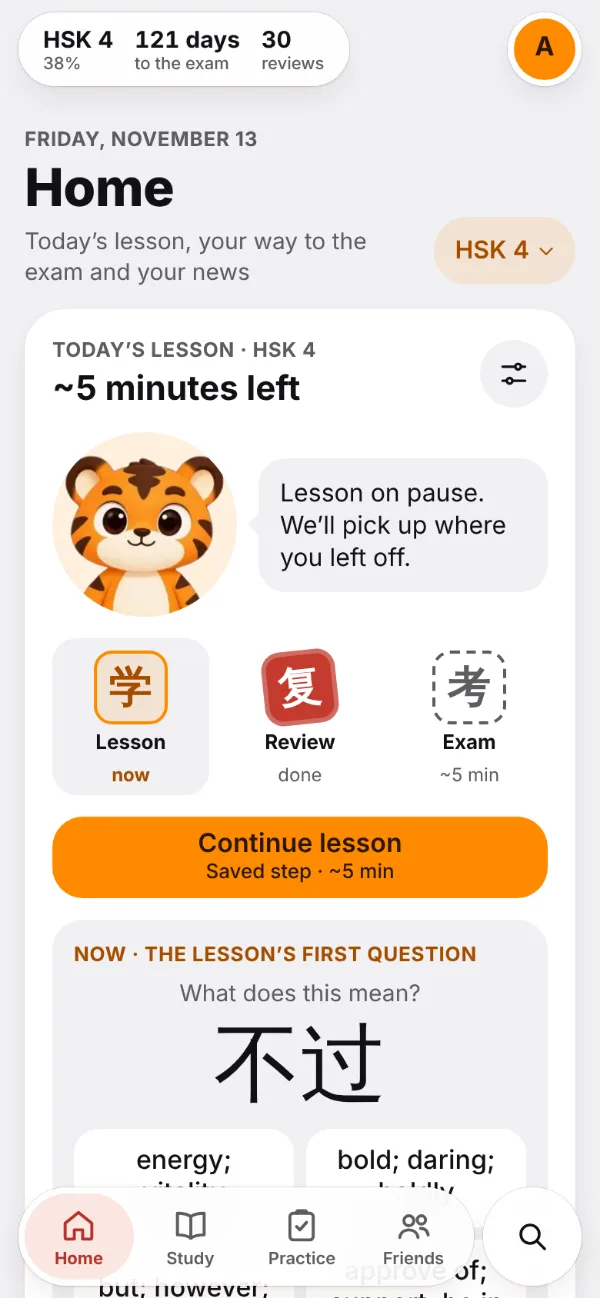 Every level up to HSK 9YCT 3–4, HSK 2–9: lessons, mock tests, stories and grammar
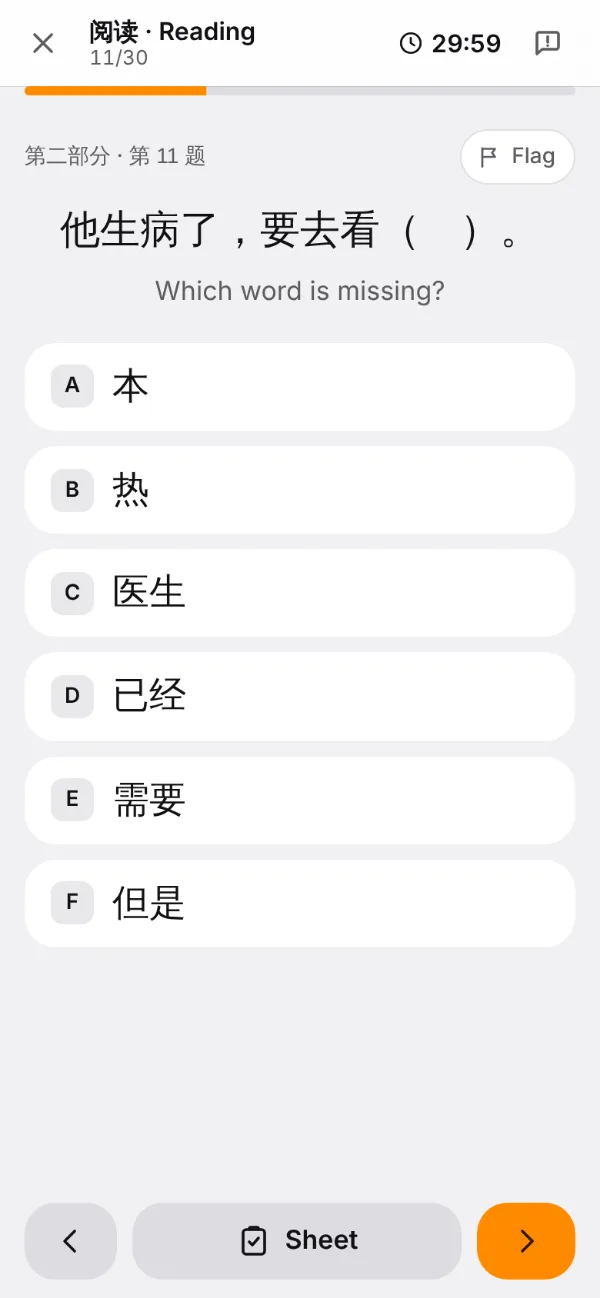 Mock tests any dayA full exam and its parts at every level
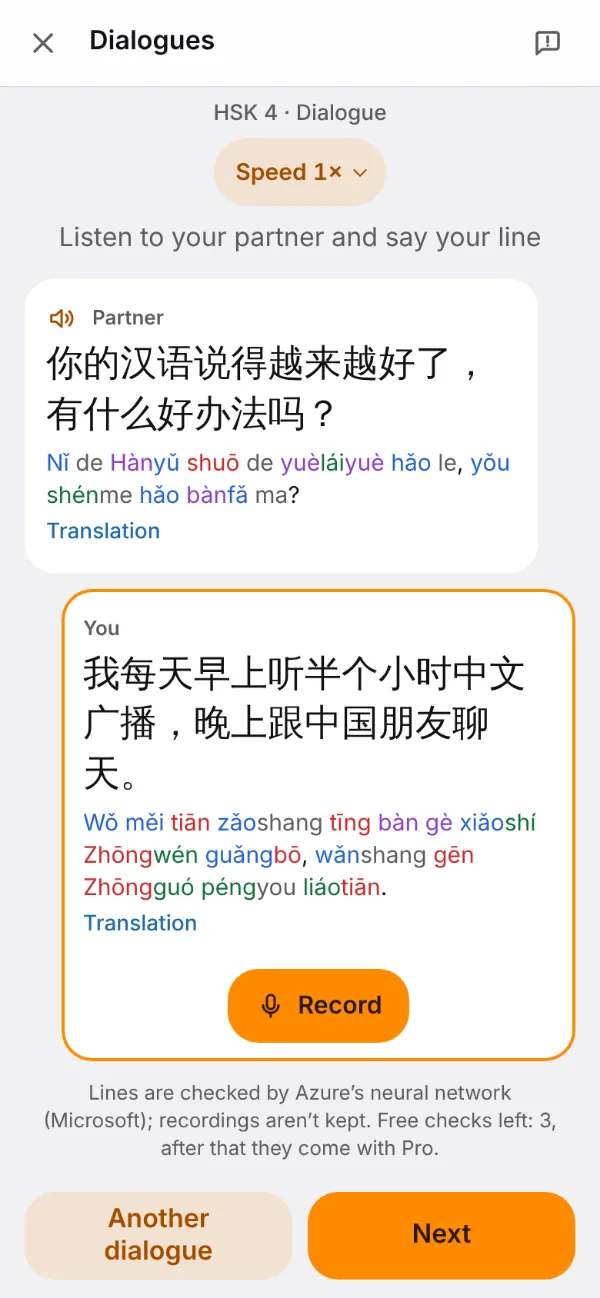 AI checks of writing and speakingScore, mistakes and a review, as in the exam
 Six design themesEach with its own Wang, fonts and answer animations
Pro plans
Prices in US dollars, taxes included. The subscription renews until you cancel it.
Questions
Why can’t I pay for Pro in the app itself?
Payment through Google Play isn’t available for our app, so Pro is bought on the website. It’s one account, so Pro works right away both in the app and on the website.
Do I need a new account?
No. Sign in on the website the same way as in the app. With a different email you’d get a new account, and Pro wouldn’t appear in the app.
Pro didn’t appear in the app. What should I do?
Close the app and open it again. If Pro still isn’t there, check that you signed in on the website the same way, and write to us: email support@masterwang.app or in Telegram: @masterwang_app, command /support.
How do I cancel the subscription?
In your profile on the website: “My plan” → “Cancel auto-renewal”. The days you paid for stay.
How do I get a refund?
Under the refund policy: masterwang.app/web/refund.